Sidecrafts

SidecraftsGuidesPrintable wall art

Etsy launch kit · Kit A

Sell printable wall art on Etsy

Printable wall art is a digital download: the buyer gets your files and prints them at home or at a print shop. You need your own design, five print-ready files and a clear listing. Nothing ships.

Updated November 2026 · 7 steps · Every step ends with a checklist

Format
Digital download
You need
A laptop and Canva or a similar tool
Start-up cost
Etsy setup fee and $0.20 per listing
Demand
“wall art” is in Etsy’s top 10 US searches (eRank, Sep 2026)
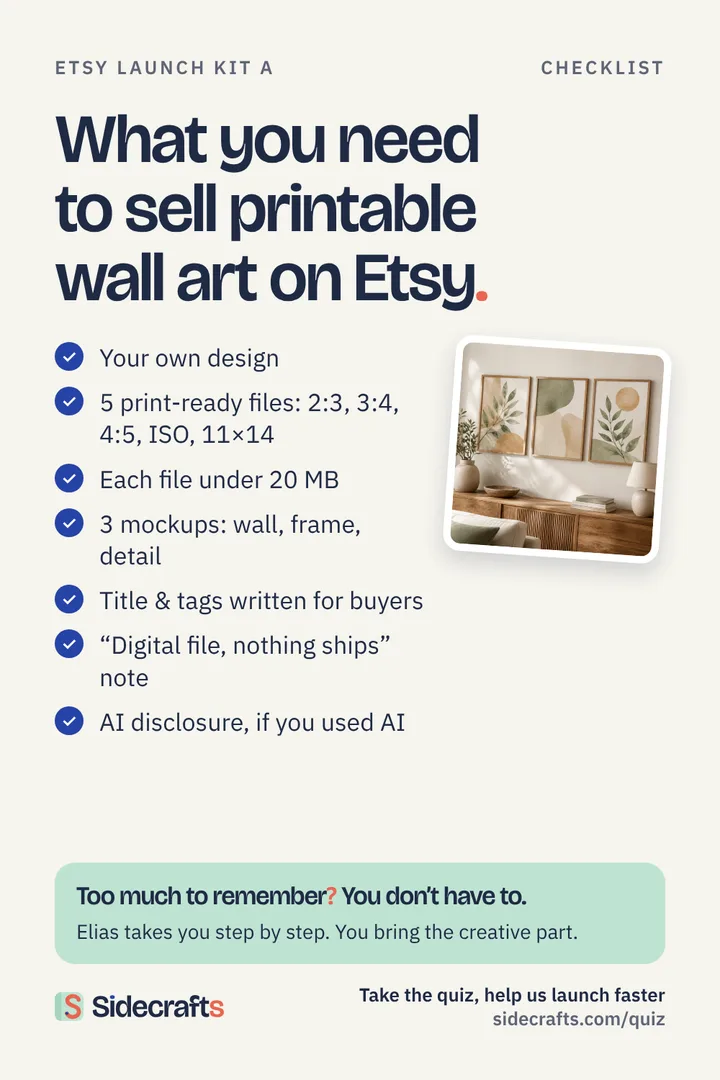
Checklist of what you need to sell printable wall art on Etsy, with a framed botanical print set.

The checklist, step by step

  1. Pick a trend and a buyer

    Choose one rising theme and one room or person it is for.

    • One theme from this week’s rising searches
    • One buyer or room: nursery, kitchen, home office, gift
    • Ten similar listings saved for reference

    In Sidecrafts: Elias shows rising searches and asks who would buy it.

  2. Make your own design

    Sketch three versions, then finish one yourself.

    • Three quick versions in Canva or with AI help
    • One finished by hand in your own style
    • Drafts and prompts kept as proof of authorship

    In Sidecrafts: Elias runs the four filters and saves side ideas to “Just for joy”.

  3. Export five print-ready files

    Five ratios cover most frames buyers already own.

    • 2:3, 3:4, 4:5, ISO (A-sizes) and 11×14
    • 300 dpi, JPG or PDF
    • Each file under 20 MB, five files at most
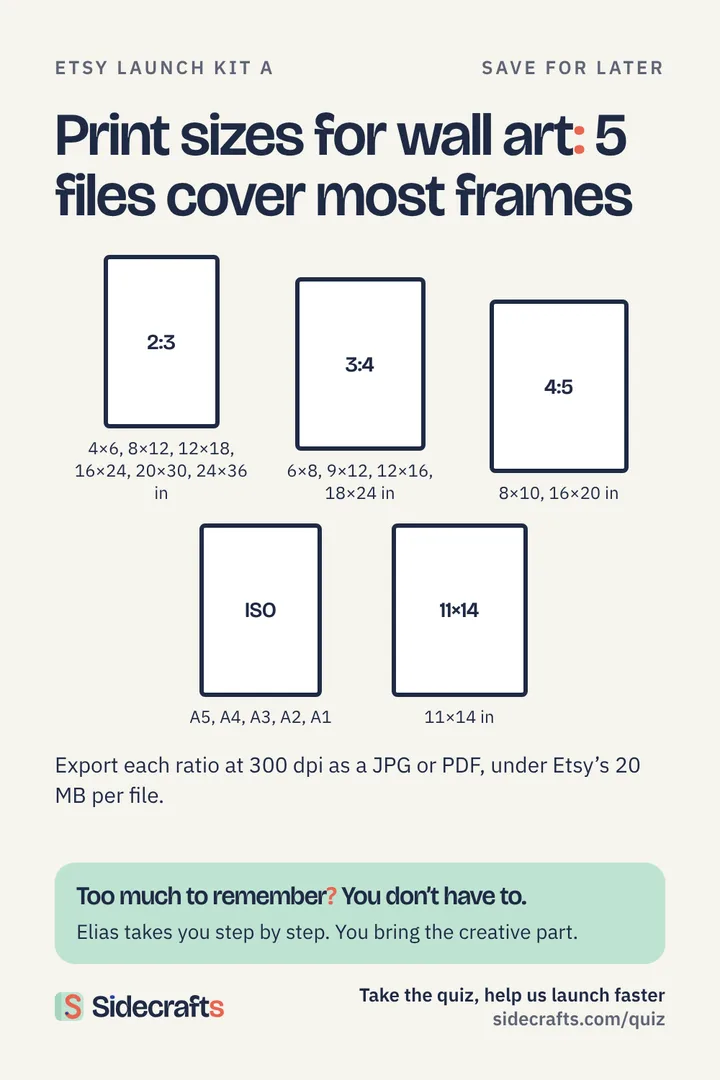
    The five files
    RatioPrints atLargest size to export
    2:34×6, 8×12, 12×18, 16×24, 20×30, 24×36 in24×36 in
    3:46×8, 9×12, 12×16, 18×24 in18×24 in
    4:58×10, 16×20 in16×20 in
    ISOA5, A4, A3, A2, A1A1
    11×1411×14 in11×14 in
    Diagram of five print ratios for printable wall art with common frame sizes.

    In Sidecrafts: Elias checks sizes and formats against Etsy’s limits.

  4. Make mockups

    Show the print where the buyer will hang it.

    • One mockup on a wall
    • One in a frame
    • One close-up of the detail

    In Sidecrafts: Elias reminds you which mockups buyers expect.

  5. Write the listing

    Describe it the way a buyer searches for it.

    • Title and 13 tags in the buyer’s words
    • “Digital file, nothing ships” stated clearly
    • Sizes included and how to print them
    • AI use disclosed, if you used AI

    In Sidecrafts: Elias checks title, tags and the AI disclosure.

  6. Price from comparables

    Price inside the range of ten similar listings.

    • Ten comparable listings checked
    • Price set inside their range
    • Etsy fees counted (6.5% + 3% + $0.25 per order)

    In Sidecrafts: Elias shows what is left after Etsy fees.

  7. Publish and share

    Publish, then give the listing its first visitors.

    • Listing published
    • One Pinterest pin linking to the listing
    • Listing link saved to your Sidecrafts workspace

    In Sidecrafts: Elias gives you the next step for the following week.

Sounds like a lot? It is. That’s why you won’t do it alone.

You don’t need to remember any of this. Elias walks you through every step, checklist by checklist, so you don’t miss a thing. You bring the ideas. He handles the rest.

Take the 5-minute quiz and help us launch Sidecrafts faster